Pricing
Pay for workflows executed. Not seats.
Three tiers, billed monthly or at a discounted annual rate, metered by the vCPU-second digital worker compute your team actually uses.
Annual billing shown — discounted rate, billed yearly.
Starter
Emerging teams and smaller businesses
$4,788/yr, billed annually
- Up to 1M vCPU-seconds per month · ~100K executions (estimate)
- Up to 2 specialist workers
- 90-day audit history
- Standard email support (8×5)
Mid-Market
Mid-sized companies, $50M–$500M revenue
$14,388/yr, billed annually
- 2.5M vCPU-seconds per month · ~250K executions (estimate)
- All 4 specialist workers + Marshal, the coordinator
- 1-year persistent audit history
- Priority support
Enterprise
Large and multi-subsidiary organizations
$38,388+/yr, billed annually
- Custom usage allocation
- All 4 specialist workers + Marshal, scoped to your organization
- Unlimited audit history
- Dedicated technical account manager
Onboarding starts with four short questions and a kickoff session with a MatrixLabX solution architect. Choosing a tier is not a purchase, and nothing is billed from the onboarding form.
Want us to run it for you?
Pipeline Crew is this platform plus a named MatrixLabX operating team: $8,999/mo, the platform at its published price plus a managed-service fee. Your team authorizes.
What every tier runs on
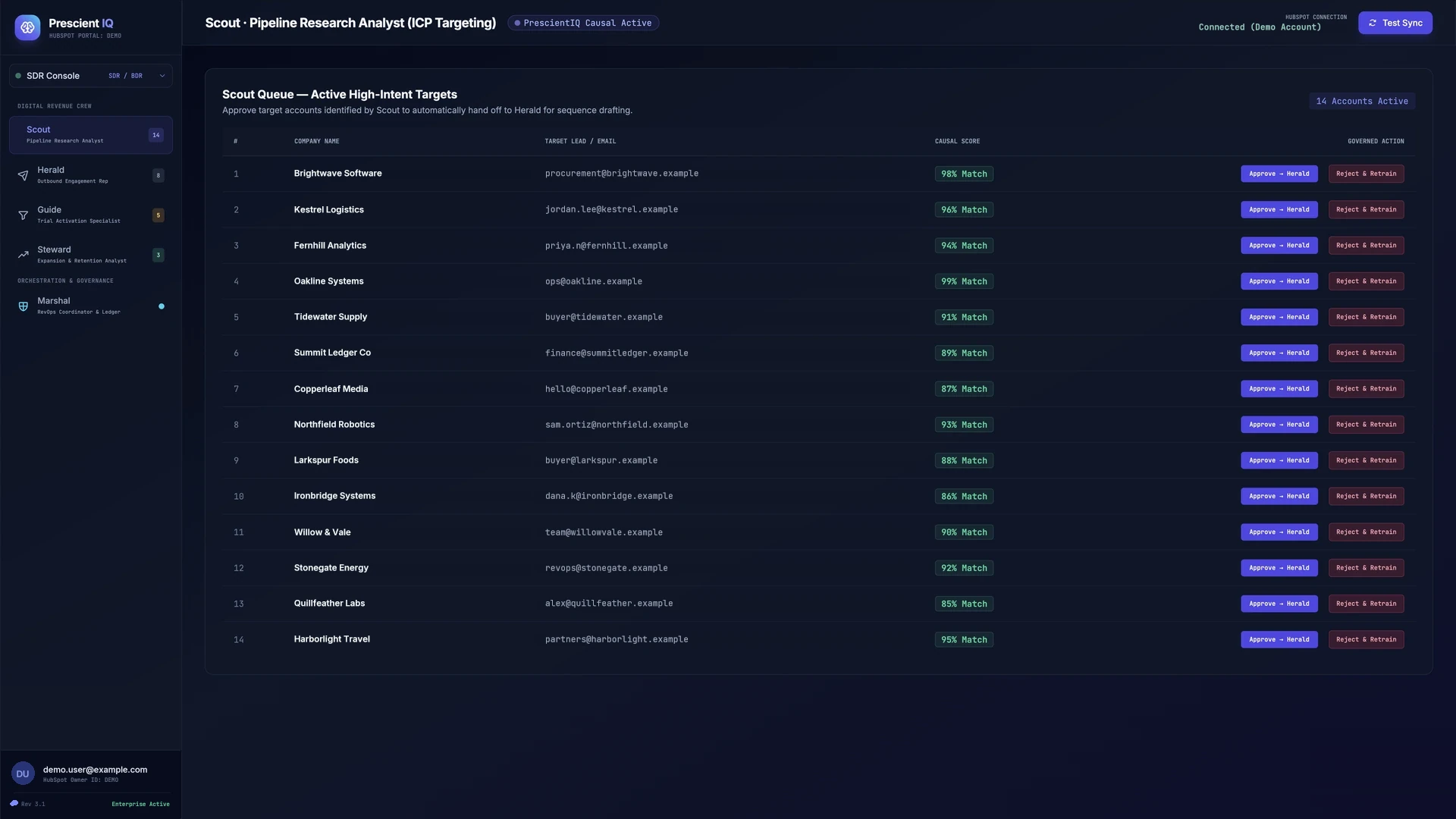
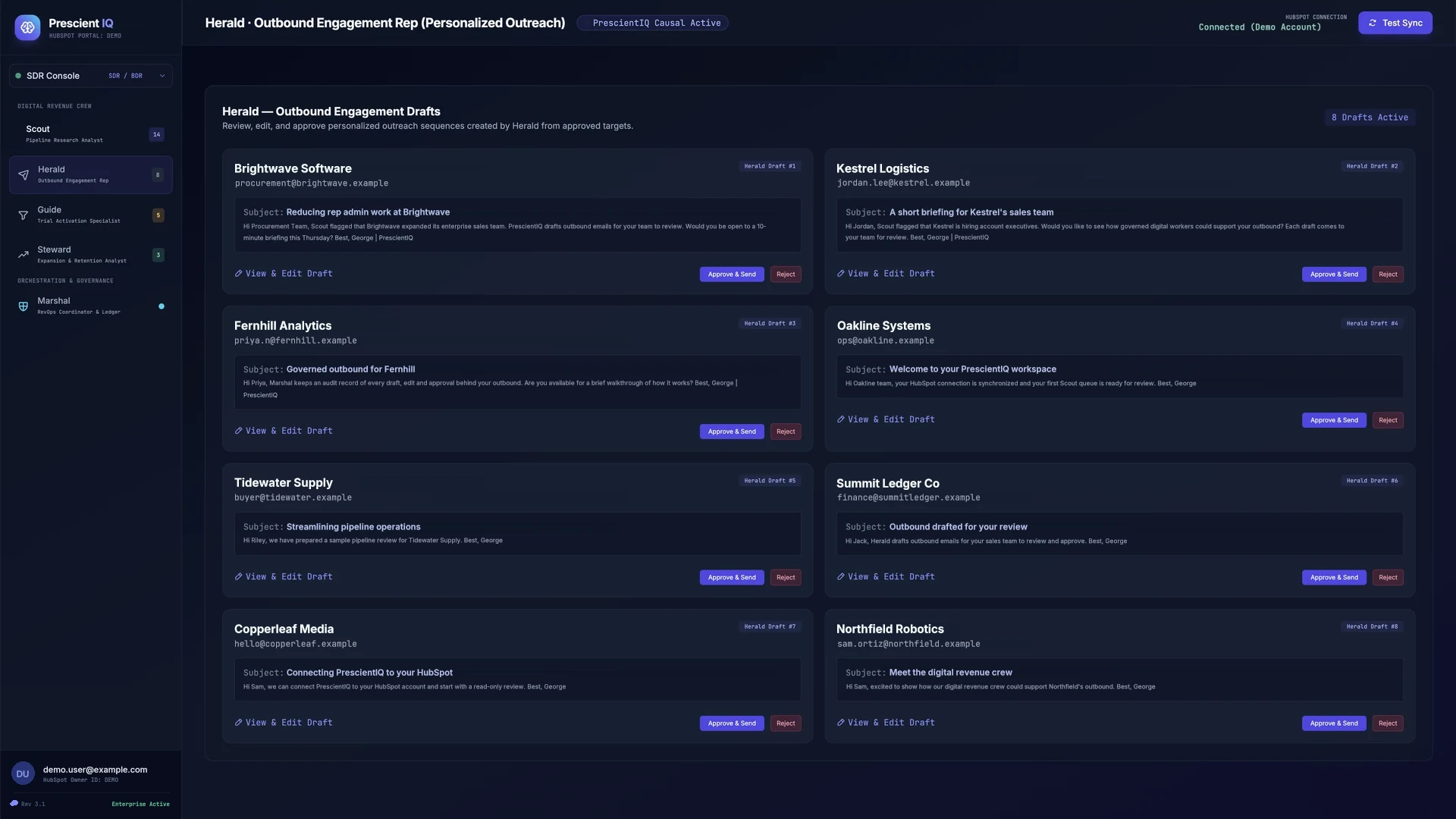
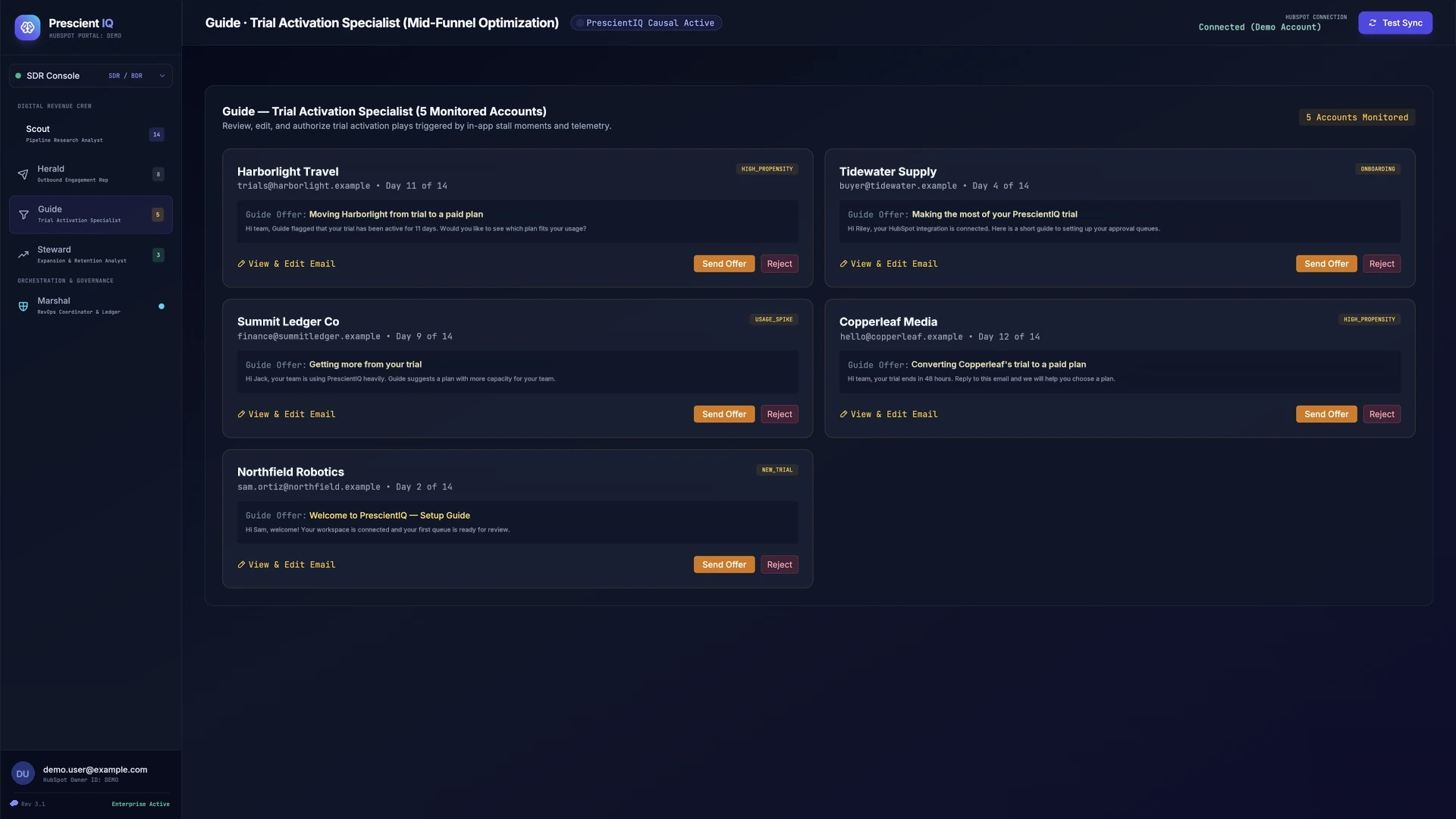
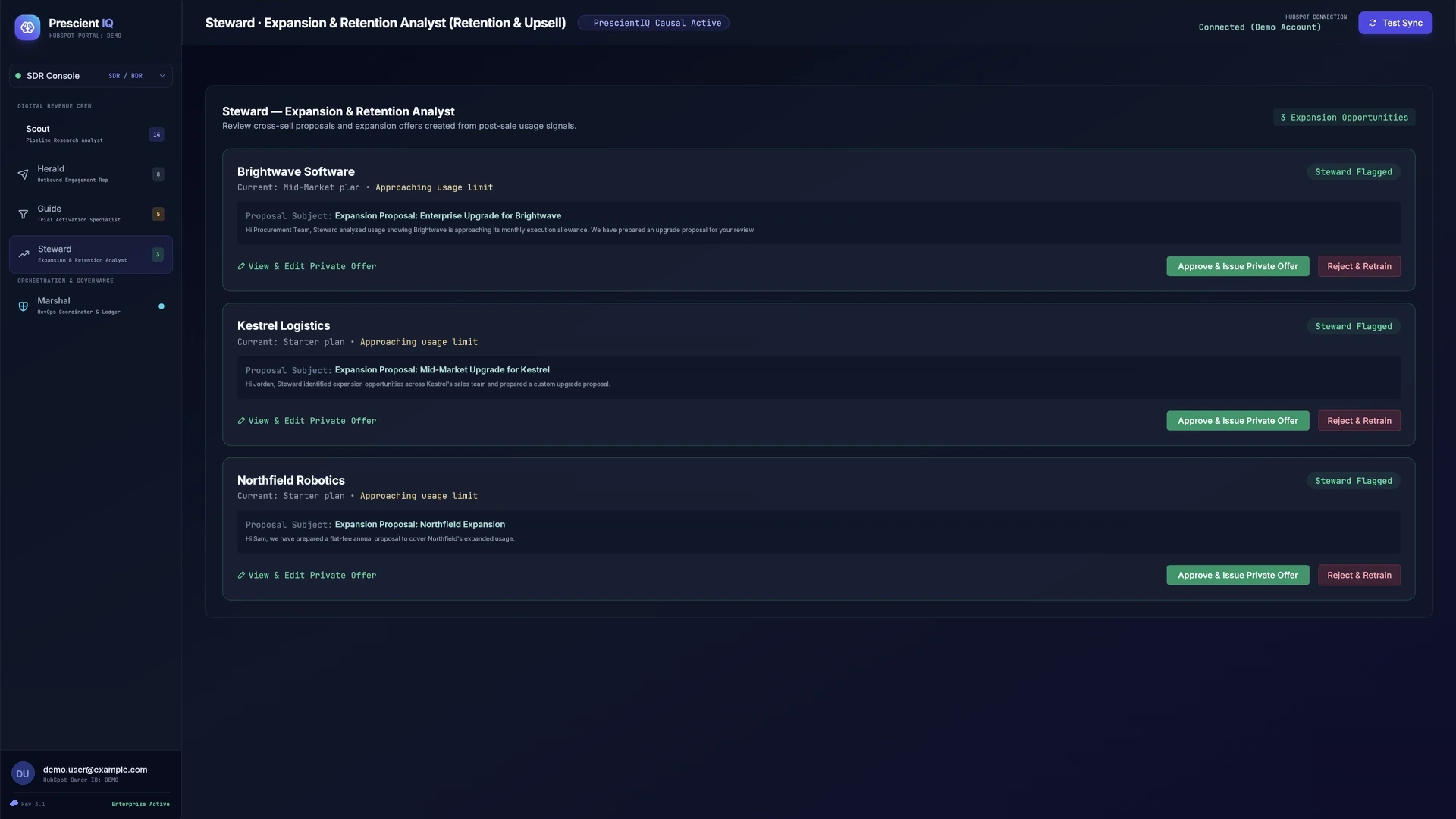
The console is the same on every tier. Starter runs up to two of the four specialist workers. Mid-Market and Enterprise run all four, coordinated by Marshal. Each worker has its own queue, and every action lands in one ledger.
01 — Scout · Pipeline Research Analyst
02 — Herald · Outbound Engagement Rep
03 — Guide · Trial Activation Specialist
04 — Steward · Expansion & Retention Analyst
05 — Marshal · Revenue Operations Coordinator
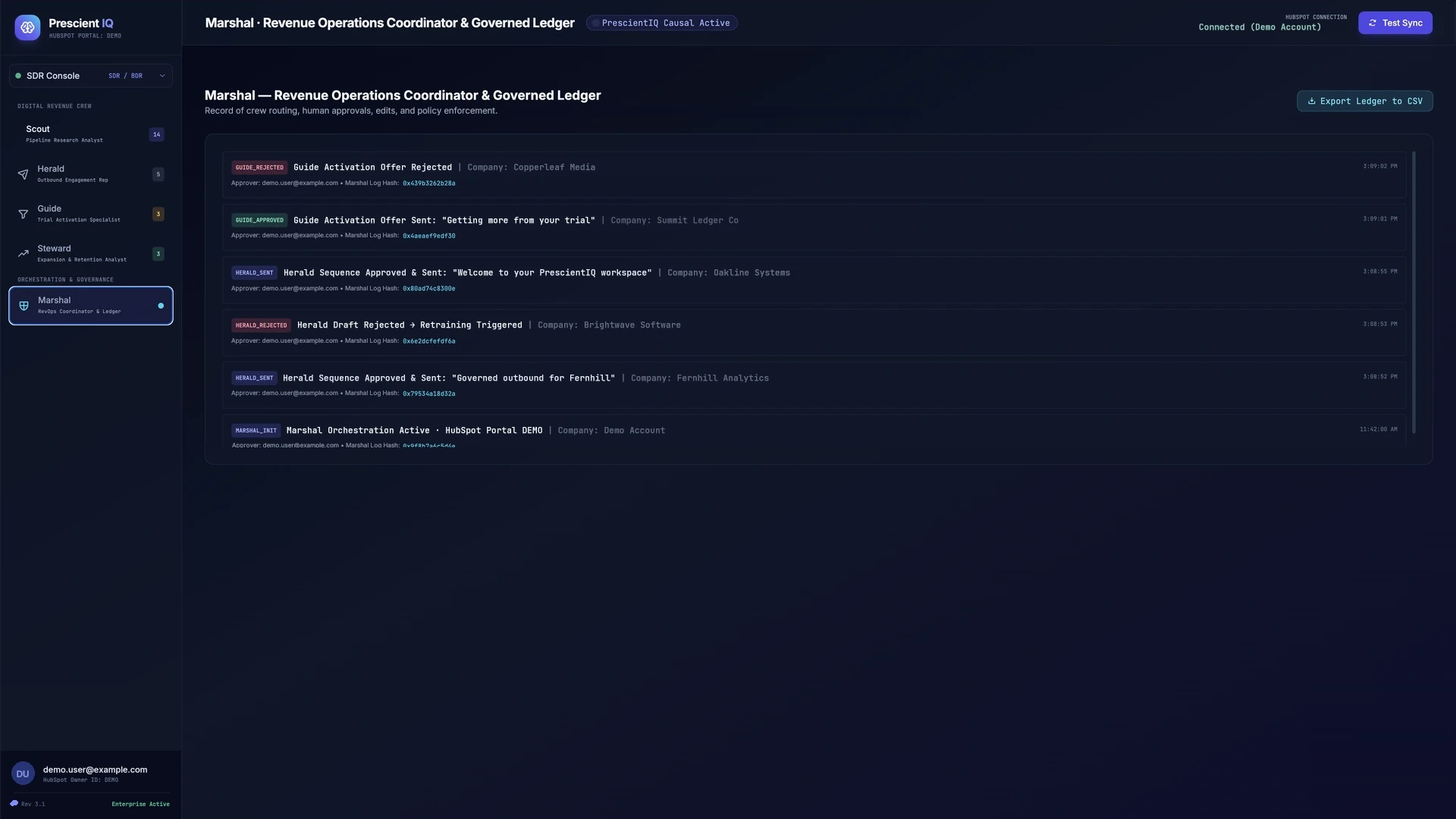
Screens show a demo workspace with sample data. The companies and addresses are fictional.
Usage and overage
Usage is measured in vCPU-seconds of digital worker compute — roughly one execution per few seconds of digital worker activity, varying by task complexity. Usage beyond your tier's included vCPU-seconds pauses new digital worker executions until your next billing cycle or you upgrade tiers — no surprise overage bill.
Engineered availability SLO of ≥99.5% on the model and inference path, with named third-party carve-outs (Salesforce, HubSpot, intent-data vendors, email delivery).
Want the one-page Marketplace guide?
The Smart CRM guide covers core capabilities, the specialist-worker architecture, all three tiers side by side, and the managed onboarding steps. Get the Smart CRM guide →
Outgrowing a tier?
Sales Accelerator is a self-serve entry point. As your usage, digital worker count, or governance requirements grow, MatrixLabX’s full-stack Revenue Accelerator — a single flat annual fee covering the complete platform — is where Sales Accelerator customers migrate. See Revenue Accelerator →
Pricing this against a hire? Start with what an SDR actually costs fully loaded — the multiplier most CROs get wrong →
Not sure which tier fits?
Start onboarding without picking a tier. Your solution architect helps you choose at kickoff, and choosing is not a purchase.