The 2027 RevOps Survival Blueprint: solving data trust, proving AI ROI, and unifying go-to-market execution
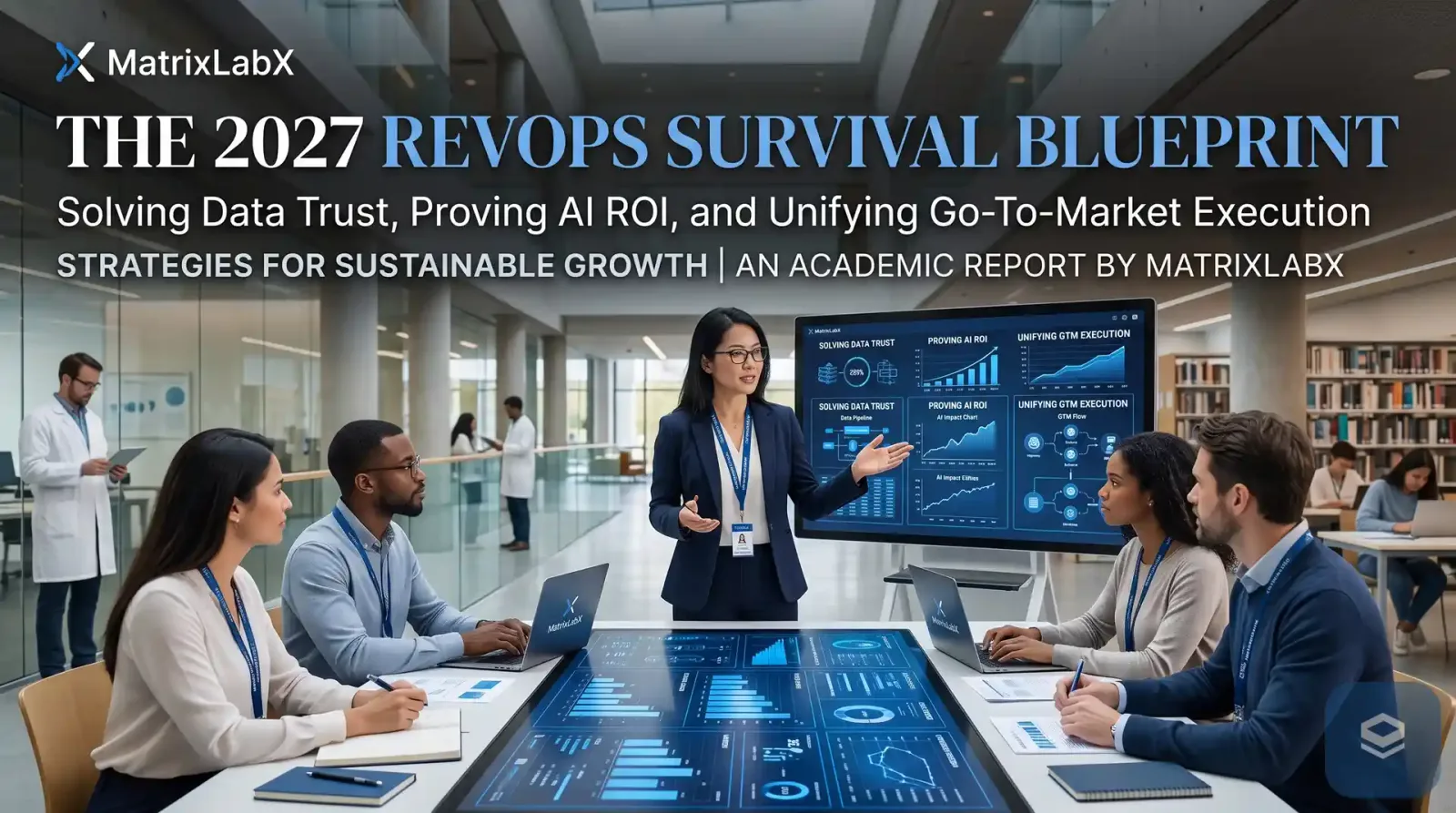
Revenue operations managers face three linked problems in 2027: CRM data that autonomous agents cannot safely act on, AI spend that cannot be defended to a CFO, and go-to-market motions fragmented across tools and teams. This blueprint gives three moves for each, a decision tree for which front to fix first, a 90-day calendar, and what PrescientIQ, MatrixLabX’s governed revenue platform, does on each front.
The operating reality for RevOps has shifted. The first wave of AI enthusiasm has given way to board-level accountability, capital discipline, and a much sharper view of operational risk. As revenue engines move from prompt-and-response copilots toward agents that run workflows across prospecting, trial conversion, and retention, the RevOps job is being rewritten around three questions that used to be someone else’s.
If the CRM data underneath an agent is wrong, the agent executes the wrong action at scale. If the AI stack cannot show the CFO a number finance already tracks, its budget is the first line cut. And if go-to-market motions stay trapped in functional silos while automation runs across them, the result is operational debt and a brand exposed in channels nobody is watching.
We laid out the research behind those three concerns, with a readiness scorecard and ten vendor questions, in RevOps in 2027: the three concerns that will decide whether your AI plan survives. This post is the companion: the plan. Three moves per front, what “done” looks like for each, the order to run them, and, without overclaiming, how PrescientIQ supports each one.
The blueprint at a glance
| Front | The 2027 failure it prevents | Three moves |
|---|---|---|
| 1. AI-ready data and CRM trust | Agents act on stale or unverified records and automate the error at scale. |
|
| 2. Defensible AI ROI | AI is layered over broken workflows with no baseline, so nothing ties to the P&L. |
|
| 3. Unified GTM execution and risk | Point tools multiply, handoffs fail, and automation runs across silos without policy. |
|
Front 1: build a data foundation your agents can be trusted on
Traditional CRM hygiene was designed for human sellers. A rep could catch a typo, decode an outdated title, or double-check a number before dialing. Autonomous agents do not improvise around bad input. They act on the record as it stands, on deterministic rules and model outputs, and they do it at scale. Feed unverified, siloed, or decaying CRM data into an agentic workflow and the errors are automated too: outbound sequences to the wrong person, mid-funnel plays fired on the wrong trigger, a customer’s data surfaced somewhere it should not be.
So “clean enough for the pipeline report” is no longer the bar. The bar is data that is scoped to a specific workflow, fresh enough for the decision the agent will make, and governed so that a bad write is visible and reversible. Three moves get you there.
Shift from periodic cleanup to continuous, automated enrichment
Stop relying on quarterly bulk cleans and on account executives updating records by hand. Put an event-driven enrichment layer inside the CRM that watches for job changes, telemetry changes, and decay in the fields your agents depend on, and updates them as they change rather than on a calendar.
What done looks like
You can state, for each field an agent reads, how stale it is allowed to be and when it was last refreshed. A record that fails that test is flagged before an agent touches it, not after a prospect replies.
Write down what “AI-eligible” data means
Standardize the criteria a lead, contact, or account record must meet before an agent is allowed to read or write it: a verified intent signal, an exact lifecycle stage, an owner, and a freshness stamp. Records that fail stay human-only until they pass.
What done looks like
A one-page standard exists, the CRM enforces it with validation rules, and the share of records that qualify is a number RevOps reports every month.
Run an AI guardrail audit and a least-privilege permission model
Audit field permissions, validation rules, and every outbound automation hook. Give each digital agent its own scoped identity with the minimum entitlements its job needs, never a shared admin login. Decide which action classes are held for approval and which run under a standing policy your team sets.
What done looks like
You can list, per agent, exactly what it can read, write, and send. You can revoke one agent without disabling a person. No agent in your stack sends in your brand’s name through a path nobody reviews.
How PrescientIQ supports Front 1
- Every write is recorded. Every action, in either mode, is recorded to the audit ledger with its rationale, before-and-after state, and the approver or policy behind it. A bad write becomes a traceable event your team can find and reverse, not silent corruption.
- A scoped identity for every agent. Each agent runs under its own least-privilege identity, enforced by permissions and not by prompt instructions. Entitlements can be listed, and an agent can be revoked without disabling a person.
- Deterministic scoring. Account scoring runs on sandboxed deterministic code. No language model performs arithmetic that has a numeric consequence, so a score can be reproduced and checked.
- Defended inputs. Agents read email replies, web pages, and CRM fields other people write into. Each inbound surface is treated as untrusted and parsed defensively before any workflow runs on it.
- Salesforce and HubSpot. Agents read from and write back to Salesforce and HubSpot through typed, scoped integrations, and ingest intent signals, web telemetry, and in-product usage alongside the CRM record.
Figures labeled as targets are modeled against current human and copilot baselines. They are not guarantees. Every engagement begins with a free Autonomous Audit Report — a P&L projection built on your own data — and targets are validated against your environment before any commitment.
Go deeper: Why your CRM data decays faster than your cleanup cycle · What “AI-ready data” means for revenue teams · How to deploy agents on the CRM you actually have · Least-privilege CRM access for AI agents (move 1.3, step by step)
Front 2: defend AI ROI before the 2027 budget review
After two years of significant AI spending, boards and CFOs want proof of impact, and “seller productivity” or “hours saved” no longer protects a line item from a deferred cut. The usual reason AI fails to show ROI is not the model. It is that the tool was layered over a broken, legacy workflow with no baseline, no unit-cost model, and no attribution to a down-funnel outcome. When the review comes, RevOps has activity metrics and finance has a budget to reclaim.
The fix is to make the AI investment legible in the language finance already speaks, and to earn the right to scale it with evidence from a controlled test. Three moves.
Rebuild capacity and quota models around AI performance benchmarks
Retire headcount-to-revenue ratios that assume a seller’s week looks the way it did in 2023. Restructure capacity projections and quotas around how deals actually move when research, outreach drafting, trial follow-up, and expansion signals are handled by digital labor and reviewed by people.
What done looks like
Your capacity model has a line for digital labor with a cost and an output, and quotas were set from measured cycle length under the new workflow, not from last year’s ratio.
Anchor AI performance to capital-efficiency metrics
Drop open rates, drafts generated, and total automated activities from the executive report. Measure customer acquisition cost, lifetime value to CAC, net revenue retention, and time to conversion, and attribute each to the workflow the AI changed.
What done looks like
The CFO can read your AI report without a glossary. Every number on it is one finance already tracks, with a baseline date next to it.
Deploy controlled, auditable pilots before any enterprise rollout
Isolate one business unit, product line, or territory. Document its baseline conversion, cycle length, and cost per outcome before anything changes. Run the pilot with every action recorded, measure against the baseline, and bring the result to finance before expanding scope.
What done looks like
There is a dated baseline, a dated result, and a record of every action the pilot took. Expansion is a finance decision made on that evidence, not a renewal made on momentum.
How PrescientIQ supports Front 2
MatrixLabX replaces seat-based licensing and speculative vendor case studies with a chain finance can inspect from the first conversation to the monthly invoice.
Free Autonomous Audit Report
Establishes your baseline on your own data, read-only, before any commitment.
One flat annual platform fee
$165,000 a year, billed monthly. No per-seat charge, so adding reviewers or sellers does not move the cost.
Ledger reconciliation
Completed workflows and the outcomes they produce write to the same ledger as your audit trail, so RevOps can reconcile a monthly invoice against it.
Modeled P&L delta
The AAR projects the change in CAC, LTV:CAC, and NRR on your pipeline. Every figure is labeled as modeled and validated against your environment before targets are set.
The free Autonomous Audit Report is a P&L projection built on your own data in a read-only working session. Every figure in it is labeled as modeled. Four specialist agents (Scout, Herald, Guide, and Steward) work under one coordinator, Marshal. They do the research, the CRM write, the trial save, and the expansion play, so what the AAR models is executed work, not a recommendation a person still has to carry out. Pricing is published in full on the pricing page.
Go deeper: The 2027 AI budget review: what CFOs will ask RevOps · Agent washing: how to tell a real revenue agent from a rebranded assistant · Measure before you commit: a pre-purchase P&L for revenue AI · Sales capacity planning with AI agents (move 2.1, the method)
Front 3: unify go-to-market execution and contain the risk
Most organizations describe themselves as running a unified revenue model. Most still have functional friction between sales, marketing, and customer success as their biggest bottleneck. Point solutions get added faster than processes get aligned, and the result is a fragmented buyer journey, conflicting departmental KPIs, and technical debt that compounds every quarter. Automation makes the fragmentation dangerous rather than merely expensive: an agent that acts across silos without a policy boundary is a brand and compliance incident waiting for a trigger.
Three moves turn a stack of tools into one engine with a policy boundary around it.
Consolidate the stack into one orchestrated revenue engine
Audit the GTM stack for single-task tools, overlapping features, and idle licenses. Move prospecting, outbound, trial conversion, and expansion onto one connected lifecycle so the account’s history travels with it instead of restarting at every tool boundary.
What done looks like
An account can be followed from first signal to renewal in one record. The number of tools that can write to the CRM or contact a customer has gone down, and each one that remains has an owner.
Enforce cross-departmental SLAs tied to buyer behavior
Re-architect handoffs between marketing, sales, and customer success around verified customer actions and telemetry, not internal timelines. A trial that stalls before its value event, or usage that drifts toward a plan limit, triggers a defined next owner and a clock.
What done looks like
Every handoff has a definition, a trigger, an owner, and a response window, and the misses are reported. Our playbook for the four seams is in the revenue leakage post linked below.
Stand up an operational governance and risk committee
Form a standing group with leaders from sales, marketing, customer success, finance, and compliance. Its job is to hold one definition of a buyer and a stage, decide the approval mode for each class of automated customer touch, and own brand safety across every channel automation can reach.
What done looks like
The committee meets on a cadence, keeps a register of every AI tool that can act on a customer or the CRM, and has said no to at least one automation on brand or compliance grounds.
How PrescientIQ supports Front 3
PrescientIQ runs the revenue lifecycle as one continuous Sense, Decide, Act, Learn loop rather than four tools with four handoffs. Four specialist agents and a coordinator cover it, each named for the job it does, and the account’s history travels with it from first signal to renewal.
| Loop | Name | Role |
|---|---|---|
| Sense | Scout | Pipeline Research Analyst |
| Decide → Act | Herald | Outbound Engagement Rep |
| Act | Guide | Trial Activation Specialist |
| Learn | Steward | Expansion & Retention Analyst |
| Orchestration | Marshal | Revenue Operations Coordinator |
Scout finds and scores the account. Herald drafts the outreach, grounded in the signal that produced it, and holds it for a named person’s approval. Guide watches trial behavior and prepares the activation sequence at the stall moment, also held for approval. Steward analyzes post-sale usage for expansion and churn-risk signals. Marshal routes the work across the crew and enforces the governance mode your team sets. Outreach is grounded in the specific signal that triggered it, with the reasoning behind each draft captured alongside it.
To keep brand safety and legal risk inside a boundary your team controls, PrescientIQ lets you set the autonomy level for every class of action:
Human-in-the-loop (HITL). The action is drafted and held. It does not execute until a named person on your team approves it.
Human-on-the-loop (HOTL). The action executes under a standing policy your team sets. A named person supervises and keeps intervention, override, and revocation authority.
Your team chooses the mode for each action class, based on its risk tolerance, and can change it at any time.
Every action, in either mode, is recorded to the audit ledger with its rationale, before-and-after state, and the approver or policy behind it.
Every action class starts in human-in-the-loop until your team changes it.
Internal action classes such as scoring and CRM field updates are where teams typically raise the ceiling first, because an error there lands inside the company and is reversible from the ledger. Customer-facing sends stay held for a named person’s approval. The framework for deciding the mode per action class, by where an error would land, is in the human-in-the-loop versus human-on-the-loop post linked below.
Go deeper: Human-in-the-loop vs. human-on-the-loop: setting the autonomy ceiling for each revenue action · The audit ledger is the new system of record for agent actions · Passing the security review before any agent touches the CRM
Which front do you fix first?
Nine moves is a year of work if you run them in the wrong order. The right order depends on whether you already have exposure. Answer the questions below about your own stack, and the tree will tell you where to start and why.
Where should your 2027 RevOps plan start?
The blueprint on a calendar: the first 90 days
The three fronts run in parallel, but each has a first move that costs little and unlocks the rest. This is the sequence we suggest to teams starting in the fourth quarter of 2026 so the 2027 budget review lands on evidence.
| Window | Front 1: data | Front 2: ROI | Front 3: GTM and risk |
|---|---|---|---|
| Days 1–30 | Pick the first workflow. List the fields it reads and writes. Measure their fill rate and freshness. Write the AI-eligible standard. | Document the baseline for that workflow: conversion, cycle length, cost per outcome, with dates. | Form the committee. Inventory every tool that can write to the CRM or contact a customer. Assign an owner to each. |
| Days 31–60 | Turn on continuous enrichment for those fields. Run the guardrail audit. Issue scoped identities. | Design the pilot: one territory or segment, the metrics finance already tracks, a readout date. | Rewrite the handoff SLAs around buyer behavior. Decide the approval mode for each action class. |
| Days 61–90 | Report the share of records that qualify as AI-eligible. Raise it before widening scope. | Run the pilot with every action held for approval and recorded. Bring the measured delta to the CFO. | Retire the first redundant tools. Review the ledger in committee. Raise the autonomy ceiling only where the record supports it. |
If the pilot is a PrescientIQ deployment, the platform is built to fit inside that middle window:
Figures labeled as targets are modeled against current human and copilot baselines. They are not guarantees. Every engagement begins with a free Autonomous Audit Report — a P&L projection built on your own data — and targets are validated against your environment before any commitment.
What this blueprint does not claim
It does not claim that any tool removes the judgment calls. Someone on your team still writes the AI-eligible standard, owns the approval policy for each action class, and signs off on what goes out. It does not claim that agents repair bad data; they make bad data visible and reversible, which is a different and more honest promise. It does not claim an outcome at your company: the only figures on this page are targets from the site’s governed claims register, shown with their proof class, and every MatrixLabX engagement begins with a free Autonomous Audit Report modeled on your own numbers before any commitment. And it does not claim that customer-facing messages run without a person: in PrescientIQ they are drafted and held for a named approver.
Where the data runs
PrescientIQ is hosted and operated by MatrixLabX on Google Cloud. SOC 2, ISO 27001, and PCI DSS attestations are held by Google Cloud, which operates the underlying infrastructure. They are not MatrixLabX certifications. MatrixLabX application-layer SOC 2 is in progress.
Frequently Asked Questions
- What are the top three issues facing RevOps managers in 2027?
- RevOps managers face three linked issues in 2027: CRM data that is not reliable enough for autonomous agents to act on, AI spending that cannot be defended to a CFO with baseline and unit-cost evidence, and go-to-market motions fragmented across tools and teams, which creates operational debt and brand risk when automation runs across them.
- Why is traditional CRM hygiene not enough once AI agents are involved?
- Traditional CRM hygiene assumed a human seller would catch a stale title or a wrong number before acting. An autonomous agent acts on the record as it stands, at scale, so a data error becomes a wrong outbound message, a misrouted account, or an incorrect mid-funnel play. Data has to be scoped, fresh, and governed for the specific workflow the agent runs.
- What is the difference between human-in-the-loop and human-on-the-loop AI?
- Human-in-the-loop (HITL): The action is drafted and held. It does not execute until a named person on your team approves it. Human-on-the-loop (HOTL): The action executes under a standing policy your team sets. A named person supervises and keeps intervention, override, and revocation authority. Your team chooses the mode for each action class, based on its risk tolerance, and can change it at any time.
- Which of the three issues should a RevOps team fix first?
- Fix the issue that creates exposure first. If an AI tool already writes to your CRM or contacts prospects and you cannot reconstruct who approved each action, start with governance. If nothing has been deployed, start with data scope for the first workflow, then set the approval mode per action class, then run a controlled pilot against a documented baseline.
- How does MatrixLabX help RevOps teams prove AI ROI before signing?
- Every MatrixLabX engagement begins with a free Autonomous Audit Report. It is a P&L projection built on your own pipeline data in a read-only working session, with every figure labeled as modeled, so finance can check the assumptions before any purchase decision rather than relying on a vendor case study.
- Does MatrixLabX charge per seat?
- No. The PrescientIQ Revenue Accelerator is one flat annual platform fee of $165,000, billed monthly against an annual commitment. Adding reviewers, approvers, or sellers does not change the fee, so the cost of governing agent actions does not rise with the number of people who supervise them. Pricing is published on the pricing page.
- What does PrescientIQ integrate with?
- PrescientIQ agents read from and write back to Salesforce and HubSpot through typed, scoped integrations, and ingest buyer intent signals, web telemetry, and in-product usage data. Each agent runs under its own least-privilege identity, so what it can read and write in the CRM can be listed and revoked without disabling a person.
- How does PrescientIQ reduce brand and compliance risk from automation?
- Four controls work together. Customer-facing messages are drafted and held for a named person on your team to approve. Each agent holds a scoped, least-privilege identity. Inbound surfaces such as email replies and web pages are treated as untrusted input. And every action is recorded to an audit ledger with its rationale, before-and-after state, and approver.
Related Reading
- AI Readiness Assessment for Revenue Teams: six dimensions and a self-score
- How to Fix Revenue Leakage Between Marketing, Sales, and Customer Success
- Buyer Intelligence vs. Decision Intelligence Across the SaaS Buying Cycle
- RevOps Platform vs. Sales Engagement Tool vs. AI Revenue Agent
- The Agentic Era of GTM: From Fragmented Handoffs to Hands-Off Outcomes
- Governed AI SDR: Definition, How It Works, and How It Is Priced
- AI Trust and Governance at MatrixLabX, including what we do not claim
Notes on this post
The nine moves are MatrixLabX’s recommendations for mid-market B2B revenue teams and are illustrative; your sequence may differ. The research behind the three fronts, with sources and dates, is in the hub post linked above rather than repeated here. Product statements match the current public copy on the pricing, Revenue Accelerator, and AI trust pages. The two figures on this page render from the site’s governed claims register with their proof class shown. The quotation is George Schildge’s own. No comparative performance claim is made about any named vendor or product, and no figure is stated for any third party.
See where your own execution effort is going
The Autonomous Audit Report models where your team's execution capacity is currently spent, what your configuration is actually paying for, and what the governed alternative looks like on your own data — before any commitment.
Get your free AAR benchmark